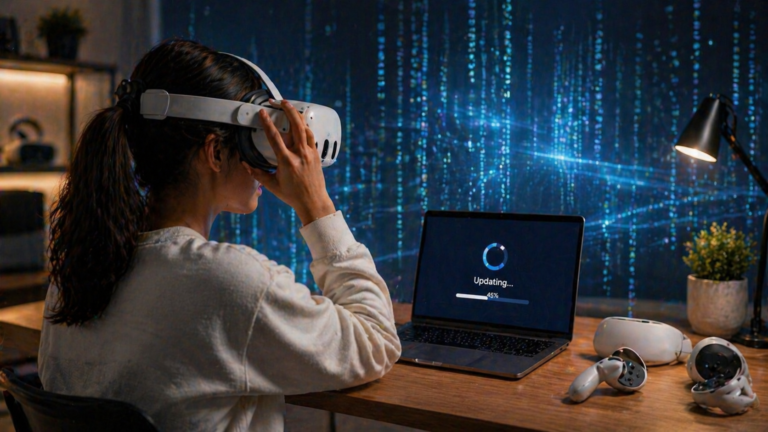
What Is Spatial Computing and Why It Matters
Spatial computing is a form of computing that understands physical space, movement, and context so digital content can behave more naturally around you. It matters because it brings together VR, XR, sensors, interfaces, and haptic feedback in ways that feel more intuitive and useful.
What is spatial computing and why does it matter? Spatial computing is the use of software, sensors, and interfaces that understand your surroundings so digital content can respond to physical space instead of sitting only on a flat screen. That makes interaction feel more natural, contextual, and immersive.
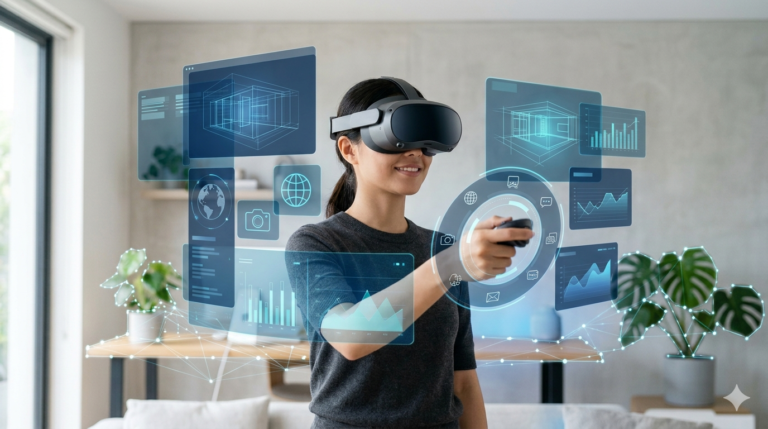
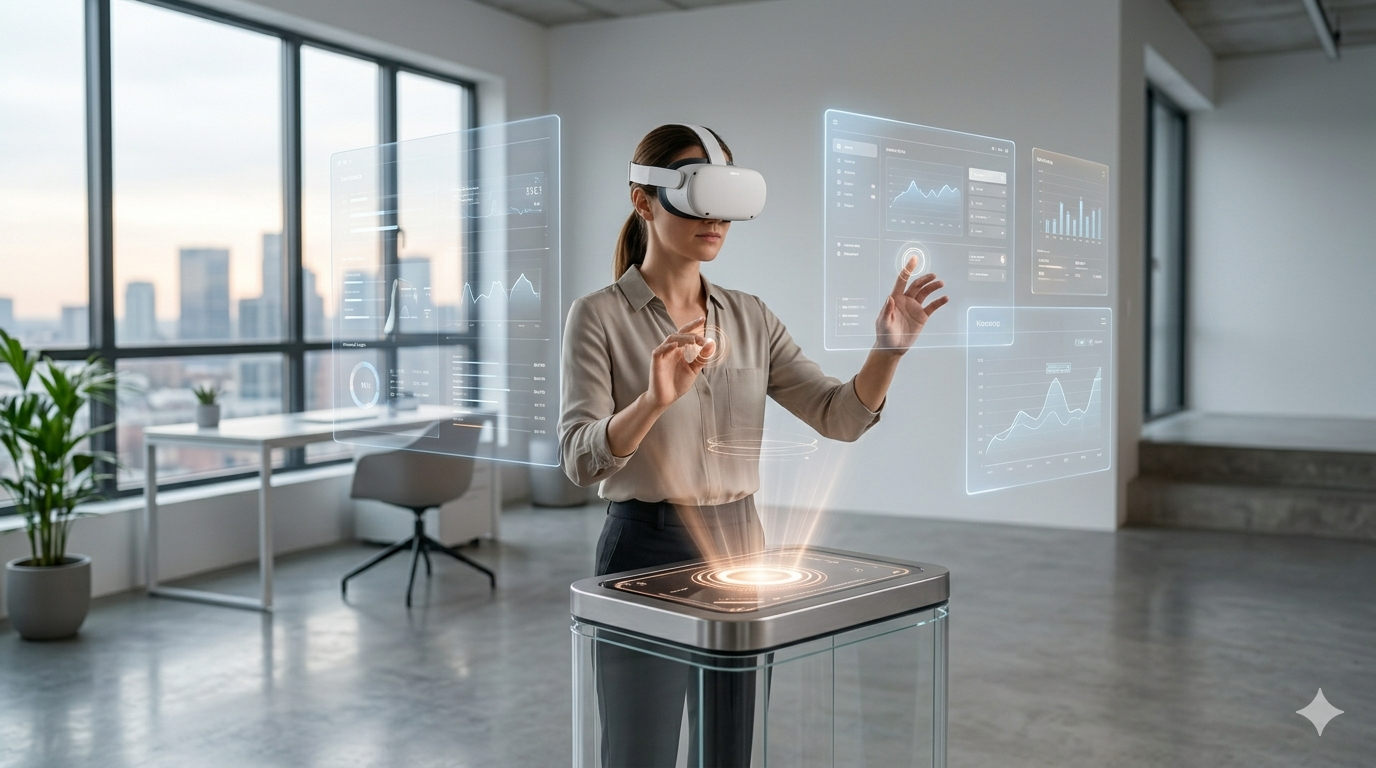
Instead of clicking through a fixed window, you might place a digital dashboard in front of you, pin a design to a real desk, or use your hands to manipulate a 3D object in a room. The system is aware of distance, direction, surfaces, and movement, which changes how information is presented and used.
That is why spatial computing matters. It is becoming a practical layer across entertainment, design, education, industry, healthcare, and collaboration. If you already know what virtual reality is, spatial computing helps explain where immersive interfaces are heading next. For readers comparing adjacent terms, see VR vs AR vs MR differences.
For authoritative context, review Apple’s visionOS documentation, Microsoft’s mixed reality documentation, and Qualcomm’s XR platform overview.
What Is Spatial Computing?
Spatial computing is a computing model where digital systems understand physical space and use that understanding to deliver more natural interaction. The goal is not only to show digital content, but to place it in relation to you, your room, and the objects around you.
That is why the term often appears alongside VR, AR, mixed reality, mapping, sensing, hand tracking, and environmental awareness. It is less about one single device and more about how digital information behaves in the real world.
In short, spatial computing moves software from a flat rectangle into a real environment where location, depth, and movement matter.
Space Becomes Part of the Interface
Spatial systems use depth, mapping, and motion to understand where you are and how digital content should appear around you.
- Recognizes surfaces, distance, and direction
- Lets interfaces feel anchored and persistent
- Makes interaction less dependent on flat menus
How Does Spatial Computing Work in Practice?
Spatial computing usually combines cameras, sensors, depth tracking, motion data, and software that can map an environment. That lets a system understand where the floor is, where a wall begins, or where your hands and eyes are focused.
Once that awareness exists, digital content can be positioned with purpose. A design model can stay fixed on a real table. A productivity app can open multiple floating screens around you. A training simulation can respond to your body position and hand movement.
Haptic feedback also matters here. Even a light tactile response from a controller, wearable, or glove can make a spatial interaction feel more grounded because tactile experience reinforces what your eyes already see, improving immersion and confidence.
Multiple Inputs Work Together
Spatial computing becomes stronger when the system can combine gesture, gaze, voice, movement, and touch rather than relying on one single input method.
- Hand tracking supports direct manipulation
- Voice reduces friction for simple commands
- Haptic feedback in VR adds tactile confirmation
Why Does Spatial Computing Matter?
Spatial computing matters because it changes how people work with information. Instead of forcing every workflow into a laptop or phone-shaped frame, it allows software to adapt to physical tasks, real objects, and natural movement.
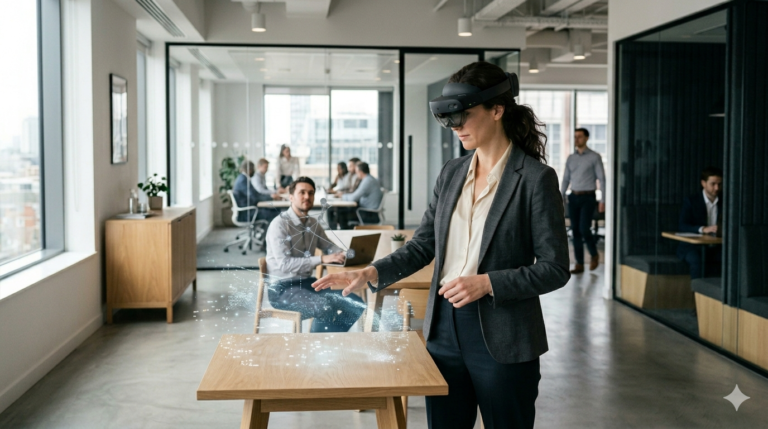
That makes it especially useful for activities where scale, position, and collaboration matter. Design teams can review 3D concepts at realistic size. Trainers can simulate work environments. Educators can make abstract material more visual and interactive.
It also helps explain the broader direction of immersive technology. The conversation is no longer only about entertainment headsets. It is about interfaces that understand space and can support practical, repeatable, real-world work.
It Connects XR to Real Use Cases
Spatial computing gives immersive technology a clearer path into everyday tools, workflows, and decisions.
- Useful in training and simulation
- Helpful in visualization and design review
- Relevant for collaboration, retail, and education
Real-World Uses of Spatial Computing
One of the best ways to understand spatial computing is to look at where it is already useful. In healthcare, it can support visualization, guided instruction, and simulation. In architecture and manufacturing, it helps teams inspect digital models in physical context.
In education, spatial systems can place interactive lessons around a learner instead of limiting information to a textbook or monitor. In retail and product design, people can preview size, placement, and function before a physical object is built or purchased.
These examples show why spatial computing is more than a trend label. It is a practical shift in how software can adapt to space, not just display content on a screen.
Examples That Make the Idea Easier to Understand
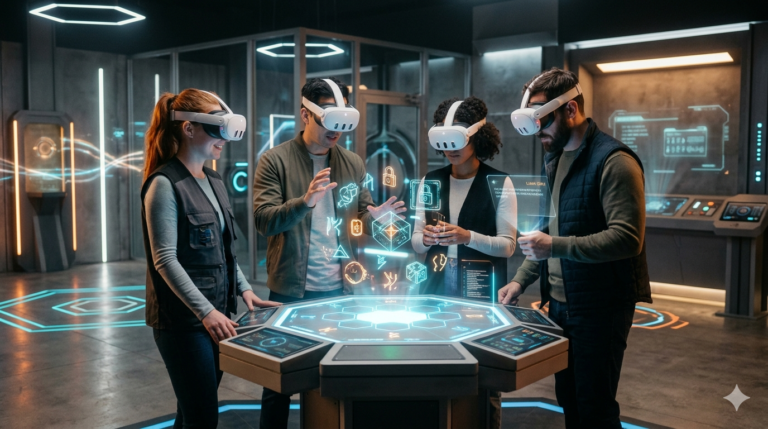
A repair technician could see guided steps placed next to equipment. A student could walk around a 3D anatomy model. A remote team could review a product prototype from different angles in the same shared digital workspace.
Those examples matter because they show how space itself becomes useful input. The experience is better not just because it looks futuristic, but because it matches how people naturally inspect, compare, and move through information.
If you compare that with spatial reality, the overlap becomes clearer: both concepts focus on how digital systems respond to the structure and context of the real world.
Spatial Computing vs Related Technologies
People often confuse spatial computing with VR, AR, or mixed reality. They are closely related, but they are not identical terms. Spatial computing is broader because it focuses on how software understands and uses space as part of interaction.
| Technology | Main Goal | How It Uses Space | Typical Example |
|---|---|---|---|
| Spatial Computing | Blend software with the physical world | Understands location, depth, surfaces, and movement | A headset placing interactive windows around your room |
| Virtual Reality | Immerse you in a digital environment | Often replaces physical surroundings completely | A VR simulation or game inside a headset |
| Augmented Reality | Overlay digital elements onto the real world | Adds content to your existing view | Navigation arrows on a phone camera view |
| Mixed Reality | Make digital content interact with real objects | Anchors content to surfaces and surroundings | A digital object staying fixed on your desk |
What the Future of Spatial Computing Looks Like
The future of spatial computing will likely depend on lighter devices, better mapping, more natural control methods, and stronger content ecosystems. As hardware improves, the experience should feel less like a special demo and more like a normal way to interact with information.
That future also depends on better ecosystem design. Developers need useful software, comfortable interfaces, and clearer reasons for people to adopt spatial tools beyond novelty. When those pieces improve together, spatial computing becomes far more compelling.
Devices will also matter. Better displays, tracking, controllers, and sensors make it easier for people to stay comfortable and productive, which is why following best VR headsets still matters when you are watching the broader spatial market evolve.
How to Think About Spatial Computing
- Start with the problem it solves, not the buzzword around it.
- Think of space, movement, and context as real inputs for software.
- Notice how it overlaps with VR, AR, mixed reality, devices, and haptics instead of replacing them.
Frequently Asked Questions
Spatial computing is technology that understands physical space so digital content can respond to your surroundings, movement, and position more naturally.
It matters because it makes digital experiences more intuitive for work, learning, design, communication, and immersive media by using the real world as part of the interface.
No. Virtual reality is one part of the broader immersive landscape, while spatial computing is a wider idea that includes how digital systems understand and use physical space.
It is used in training, design review, simulation, retail visualization, industrial workflows, healthcare, education, and remote collaboration.
Not always. Headsets are common, but phones, tablets, sensors, smart glasses, and room-aware systems can also support spatial computing experiences.
Haptics add tactile cues that make digital interaction feel more physical, which can improve immersion, feedback, and confidence during spatial tasks.
Most beginner experiences are safe when used in clear spaces with comfort settings, proper supervision, and reasonable session length.
The future likely includes lighter devices, better mapping, stronger hand tracking, more realistic haptics, and wider use across work, creativity, and everyday computing.