Why VR Makes You Dizzy and How to Fix It Fast
Updated 2026-05-02 by HapVR
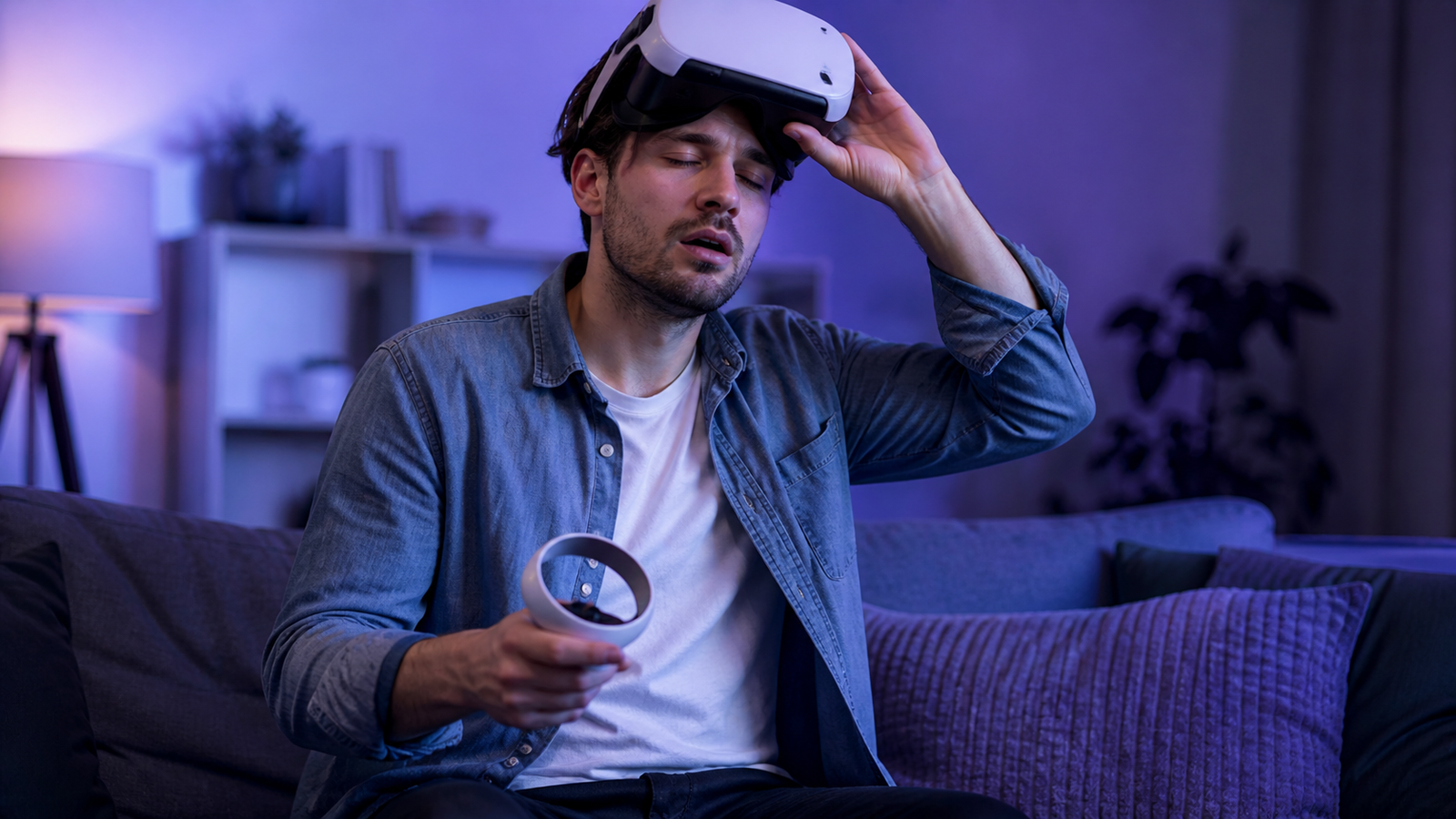
VR makes you dizzy because your eyes can report movement that your inner ear and body do not feel in the same way. That sensory mismatch can create disorientation, nausea, eye strain, or a floating sensation, especially in new users, long sessions, or apps with artificial movement.
Why VR makes you dizzy usually comes down to sensory conflict. Your headset may show motion, turning, or speed while your body stays physically still, and your brain reacts to that mismatch with dizziness, nausea, eye strain, or a strange floating feeling.
The good news is that VR dizziness often improves fast when you adjust fit, reduce session length, use comfort settings, and avoid pushing through symptoms. Once you understand the main triggers, virtual reality becomes much easier to use comfortably.
If you want broader context, it helps to compare how VR sickness works, review a practical VR motion sickness fix, and understand what virtual reality is actually doing when it creates the feeling of movement.
For authoritative background, compare Mayo Clinic on motion sickness, the NIH-hosted review on cybersickness, and Meta Quest health and safety warnings.
Why VR Can Make You Dizzy
The brain normally combines visual information, inner-ear balance signals, and body position to decide whether movement is safe and predictable. In VR, those signals can disagree. Your eyes may say you are moving forward, turning, or dropping, while your body says you are standing still.
That disagreement can create dizziness even when a headset is working correctly. It is not always a hardware failure. Often it is a comfort problem caused by how the experience is presented and how quickly your body is asked to adapt.
What Happens in Your Brain and Inner Ear?
Your inner ear helps track balance and acceleration. When it does not agree with the motion your eyes see inside the headset, the brain has to decide which signal to trust. That conflict is one of the main reasons VR can feel disorienting.
The effect is similar to motion sickness, but VR creates it in a different way. Instead of real travel in a car or boat, the movement is simulated by the display. If the image turns too fast, lags slightly, or feels unstable, the dizziness can become stronger.
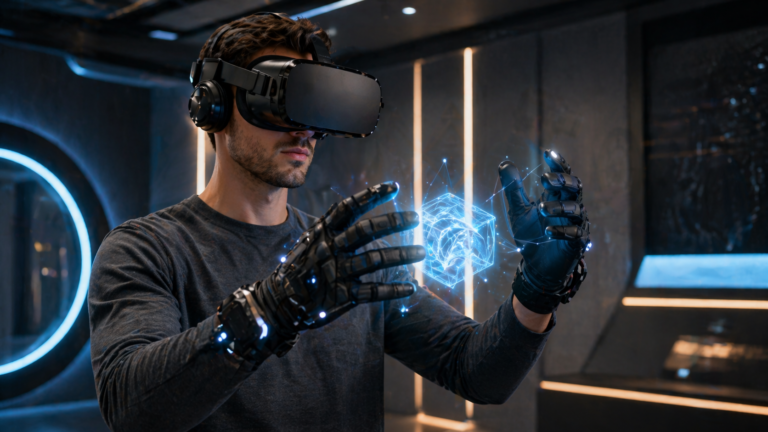
Immersion tools such as haptic feedback can make interactions feel more believable, but they do not usually solve dizziness on their own. Comfort still depends mostly on motion design, fit, and display stability.
What Usually Triggers VR Dizziness?
1. Visual Motion Without Matching Physical Motion
The most common reason VR makes you dizzy is that your headset shows movement while your body stays still. That gap between visual motion and physical sensation confuses the balance system.
Key Takeaways
- Easy to identify once you recognize the pattern
- Often improves with comfort settings
- Usually gets better with gradual exposure
Why It Matters
- Can appear quickly in fast-moving games
- Feels worse when you ignore early symptoms
2. Low Frame Rate, Tracking Jitter, or Poor Fit
Even good VR design feels worse when the image stutters, tracking drifts, or the headset sits incorrectly on your face. Visual instability makes the motion signal feel less trustworthy.
Key Takeaways
- Often fixable through settings and hardware checks
- Improves comfort quickly when corrected
Why It Matters
- Easy to misdiagnose as general motion sickness
- Can appear only in certain apps or games
3. Long Sessions, Fatigue, and Fast Adaptation Attempts
Dizziness is more likely when you stay in VR too long, start with intense content, or play while tired, dehydrated, or already sensitive to motion.
Key Takeaways
- Usually manageable with better habits
- Tolerance often improves over time
Why It Matters
- Different users adapt at different speeds
- Symptoms can linger if you keep pushing
How Can You Fix VR Dizziness Fast?
| Trigger | Why It Happens | What It Feels Like | Best Immediate Fix |
|---|---|---|---|
| Artificial movement Most Common | Eyes report motion while body stays still | Dizziness, floating, mild nausea | Switch to teleport or snap turning |
| Low frame rate or stutter | Visual instability increases sensory conflict | Disorientation and eye strain | Lower settings or use a smoother app |
| Poor headset fit | Blur and visual discomfort | Pressure, eye fatigue, dizziness | Refit the headset and adjust lens position |
| Long sessions | Fatigue and overstimulation | Lingering dizziness after play | Take longer breaks and shorten sessions |
How to Fix VR Dizziness Fast
- Stop as soon as dizziness starts instead of trying to push through it.
- Switch to teleport movement, snap turning, or seated experiences while you adapt.
- Check headset fit, lens clarity, and app performance before assuming the problem is only your tolerance.
- Use short sessions of 10 to 15 minutes and increase gradually only when you feel normal afterward.
- Stay hydrated and return to smoother experiences before trying intense locomotion again.
What Should Beginners Do Before Their Next Session?
Beginners should choose smoother apps, slower turning, and shorter sessions before moving into intense games. That gives the body time to adapt instead of forcing it to handle everything at once.
It also helps to compare the best VR headsets, because comfort can vary based on optics, fit, tracking stability, and overall performance. A better-fitting headset often reduces strain before you even adjust any game settings.
If dizziness keeps returning, step back to simpler experiences, recover fully between sessions, and avoid treating discomfort like something to power through. In most cases, the fastest long-term solution is better comfort management, not more endurance.
Frequently Asked Questions
Why does VR make some people dizzy right away?
Some people react quickly because their visual system detects movement before their balance system can adapt. Fast turning, artificial movement, and unstable performance make that mismatch stronger.
Does VR dizziness go away over time?
For many users, yes. Tolerance often improves when sessions stay short, comfort settings are enabled, and people avoid pushing through early symptoms.
What is the fastest fix if VR makes you dizzy?
Take the headset off, sit down, rest your eyes, and wait until you feel normal again. After that, use a shorter session with calmer movement settings.
Can a bad headset fit make VR dizziness worse?
Yes. Blurry optics, poor lens alignment, and extra facial pressure can make the image less stable and increase discomfort during play.
Which VR settings help reduce dizziness most?
Teleport movement, snap turning, vignettes, reduced camera sway, and well-optimized frame rate are usually the most helpful comfort tools.
Is VR dizziness the same as motion sickness?
It is closely related, but VR dizziness often comes from visual motion without matching physical motion rather than real travel in a car or boat.
Should beginners avoid intense VR games at first?
Yes. Beginners usually adapt more comfortably when they start with smoother, slower experiences and save intense locomotion-heavy games for later.