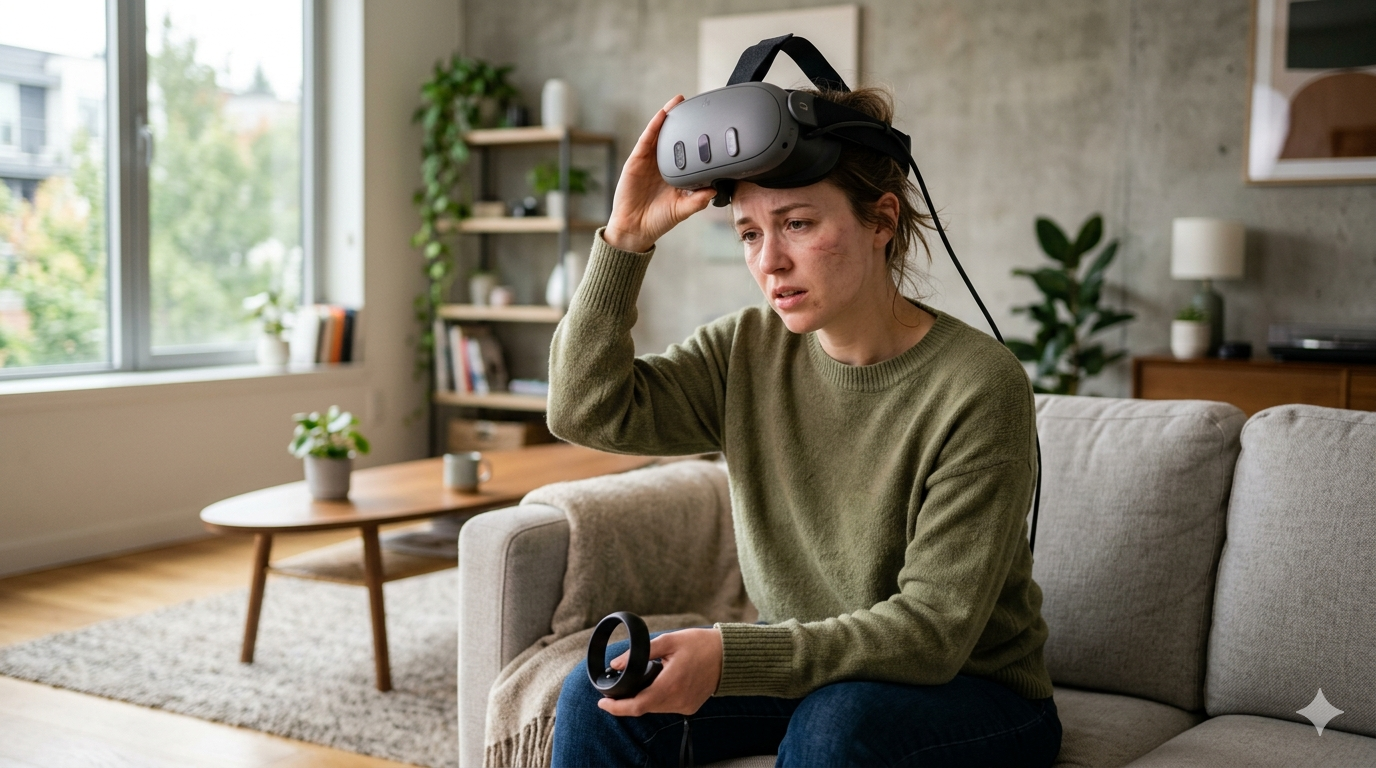
VR Motion Sickness Fix That Works Fast
Updated 2026-04-27 by HapVR
The fastest VR motion sickness fix is to stop as soon as symptoms start, remove the headset, sit down, drink water, and wait until you feel normal before trying again. After that, reduce artificial movement, shorten sessions, and use comfort settings like snap turning or teleport movement. If you need a VR motion sickness fix that works fast, focus on recovery first and prevention second. Most people improve when they start with calmer experiences, adjust headset fit carefully, and build tolerance in short sessions instead of pushing through nausea or dizziness.
If you are asking how do you fix VR motion sickness fast, the answer is simple: stop immediately, recover fully, and change the setup before the next session. A practical VR motion sickness fix works by reducing the sensory conflict that makes your brain feel that the movement in the headset does not match what your body is doing.
That is why quick fixes and prevention habits matter together. You need a fast recovery step for the moment you feel sick, but you also need better comfort settings, calmer apps, and a better headset fit so the same problem does not keep coming back.
For background, it helps to read why virtual reality can make you sick, review what virtual reality is before changing settings or blaming every symptom on one headset alone, and compare the best VR headset for beginners if comfort, weight, and fit are part of the problem.
For authoritative background, see Mayo Clinic on motion sickness, NIH-hosted review on cybersickness, and Meta Quest health and safety warnings.
Why Does VR Motion Sickness Happen So Fast?
VR motion sickness usually happens when your eyes see movement while your inner ear and body do not feel the same motion. That mismatch can trigger nausea, dizziness, sweating, eye strain, or a floating sensation within minutes.
The intensity depends on more than one thing. Headset fit, display stability, artificial locomotion, turning style, fatigue, and dehydration can all make symptoms worse. That is why a good fix is rarely one single trick. It is a set of fast adjustments that lower sensory conflict quickly.
Haptics matter here in a smaller but still useful way. Good tactile feedback does not cure nausea, but it can make interactions feel more grounded and less visually disconnected, which is one reason clean haptic cues sometimes make VR feel easier to trust.
Step-by-Step Fix That Works Fast
- Stop immediately. Remove the headset as soon as you feel nausea, dizziness, or eye strain.
- Let your body reset. Sit down, breathe slowly, and wait until the symptoms pass instead of jumping right back in.
- Use comfort settings. Turn on snap turning, teleport movement, or vignette options before the next session.
- Check fit and clarity. Make sure the headset sits correctly and the image looks stable and sharp.
- Retry with a calmer app. Return in a short 10 to 15 minute session rather than an intense game with smooth locomotion.
1. Stop Immediately and Let Your Body Reset
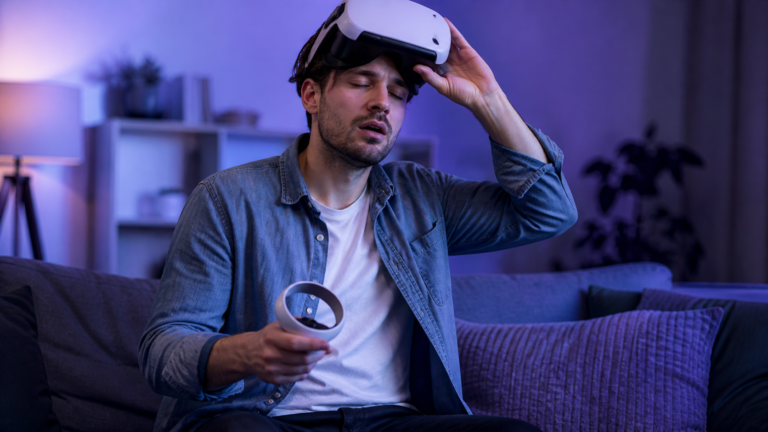
The first VR motion sickness fix is to remove the headset right away. Sit down, breathe slowly, and give your eyes and balance system time to settle before you try anything else.
Why It Works
- Fastest way to stop symptoms from building
- Reduces the chance of a longer recovery
- Works even if you do not know the exact trigger yet
Limits
- Does not solve the root cause by itself
- Some users wait too long before stopping
2. Switch to Comfort Settings Before the Next Session
Comfort settings reduce the mismatch between headset motion and body sensation. Snap turning, vignette modes, and teleport movement usually feel much easier on new users than smooth turning and free locomotion.
Why It Works
- One of the strongest prevention steps
- Easy to test in most VR apps
- Helps many users within one session
Limits
- Some games hide settings deep in menus
- Less cinematic than smooth motion for some players
3. Fix Headset Fit, Clarity, and Session Length
A blurry image, loose fit, or long session can make discomfort worse very quickly. Make sure the headset sits correctly, the lenses look clear, and your next attempt is limited to a short test session instead of a long play session.
Why It Works
- Targets common physical causes of discomfort
- Improves both comfort and visual quality
- Easy to combine with shorter sessions
Limits
- Requires careful adjustment instead of rushing back in
- Cannot fully fix poorly optimized apps
Fast VR Motion Sickness Fixes Compared
The best fix depends on the trigger. If you already feel sick, resting is the fastest move. If the issue happens during turning or movement, comfort settings are often the strongest next-session improvement. If you keep feeling pressure, blur, or fatigue, fit and session length usually need attention too.
| Fix | Best For | How Fast It Helps | Main Limitation |
|---|---|---|---|
| Stop and rest First Step | Immediate nausea or dizziness | Works within minutes for many users | Does not prevent the next trigger alone |
| Comfort settings | Movement-triggered sickness | Strong reduction in sensory conflict | Depends on app support |
| Better fit and shorter sessions | Eye strain and fatigue | Improves stability and recovery | Requires more careful setup |
How to Prevent It Next Time
Prevention is what turns a fast VR motion sickness fix into a lasting solution. Use calmer apps first, keep early sessions short, and avoid jumping straight into smooth locomotion or fast turning games if you are still adapting.
It also helps to compare headset comfort and display quality if the issue keeps returning. Some devices feel better than others depending on fit, optics, and weight balance, which is why many users benefit from checking the best VR headsets before assuming every headset will feel the same.
Step-by-Step VR Motion Sickness Fix
- Take the headset off as soon as symptoms begin and wait until you feel normal.
- Drink water, sit still, and let your eyes rest before trying again.
- Turn on snap turning, teleport movement, and any comfort vignette options.
- Check headset fit and lens clarity before the next test session.
- Return with a calmer app for 10 to 15 minutes instead of jumping back into intense movement.
When Should You Stop and Reset?
Stop immediately if symptoms are building instead of fading. Sweating, nausea, spinning sensations, eye strain, and a sense of floating are all signs that continuing will usually make the recovery slower.
A good rule is simple: if you would not want to stay in the app for another five minutes, end the session. Short comfortable sessions build tolerance much better than one long session that leaves you feeling bad for the rest of the day.
Frequently Asked Questions
What is the fastest VR motion sickness fix?
The fastest fix is to stop immediately, remove the headset, sit down, rest your eyes, and wait until you feel normal before trying VR again.
Can comfort settings really reduce VR motion sickness?
Yes. Snap turning, teleport movement, and comfort vignette options often reduce sensory conflict and help many users feel better quickly.
Should you keep playing to get used to VR sickness?
No. Pushing through usually makes recovery slower. It is better to stop early and build tolerance in shorter sessions.
Does headset fit affect motion sickness in VR?
Yes. A poor fit or blurry image can increase discomfort because your eyes work harder and the visual experience feels less stable.
Which VR experiences are easiest after motion sickness?
Calmer, stationary, or teleport-based experiences are usually the best way to return because they limit aggressive artificial movement.
Can haptics help with VR comfort?
Haptics do not cure motion sickness directly, but clear tactile feedback can make interactions feel more grounded and less visually disconnected.
How long should you wait before trying VR again after feeling sick?
Wait until the symptoms fully pass. For many users, that means resting first and returning later with a shorter, calmer session.