How Virtual Reality Works Explained Clearly
Updated 2026-04-28 by HapVR
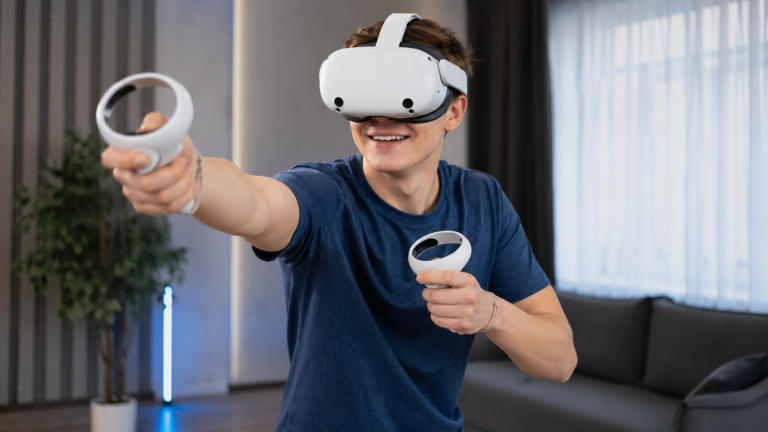
How VR works is straightforward at the core: a headset places screens and lenses in front of your eyes, sensors track your head and hand movement, and software updates the digital scene in real time so the virtual world reacts as if you are inside it. Audio adds direction and depth, while haptics can add touch cues through controllers or gloves. When all of those parts work together with low delay, virtual reality feels immersive instead of flat.
How VR works comes down to coordination between a headset, tracking sensors, displays, and software. The headset shows a digital world close to your eyes, the sensors measure how you move, and the software redraws the scene instantly so it matches your head and hand position. That is what makes virtual reality feel like a place instead of a video on a flat screen.
Audio and haptics make that illusion stronger. Directional sound tells you where things are around you, while tactile feedback through controllers or devices helps digital actions feel more physical. If you want the bigger foundation first, read what virtual reality is, compare how feedback works in modern VR haptics, and if you are still buying your first device, narrow the field with our guide to the best VR headset for beginners.
For authoritative background, see Britannica virtual reality overview, Microsoft mixed reality overview, and Apple visionOS documentation.
Why Does VR Feel Different From a Normal Screen?
A normal screen keeps digital content at a distance. VR removes that distance by placing the image directly in your field of view and changing it as you move. Instead of looking at a scene from outside, you feel surrounded by it.
That feeling depends on presence. Presence happens when your eyes, ears, and body receive signals that seem connected. The stronger that connection is, the more convincing virtual reality becomes.
How Does the Headset Create the View?
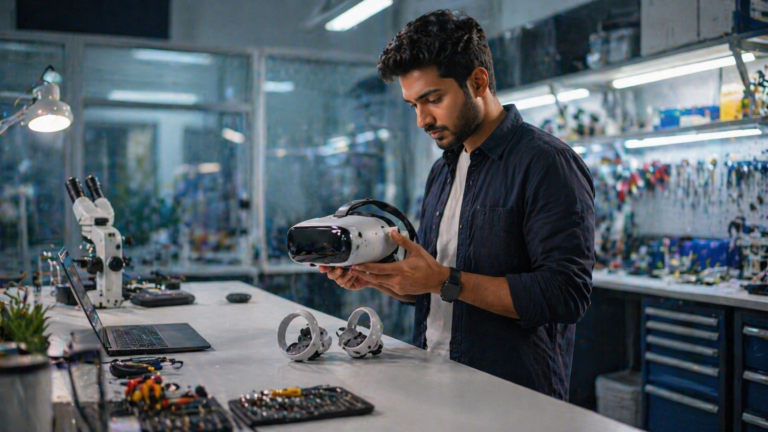
The headset is the most visible part of VR because it controls what you see. Small displays sit close to your eyes, and lenses shape those images so the digital space feels deeper and wider than a normal display. Each eye sees a slightly different angle, which is what gives VR its stereo depth.
Comfort matters here too. If the fit is poor or the image is blurry, the illusion weakens quickly. That is one reason device quality and optics matter when comparing the best VR headsets.
1. The Headset Displays the Virtual World
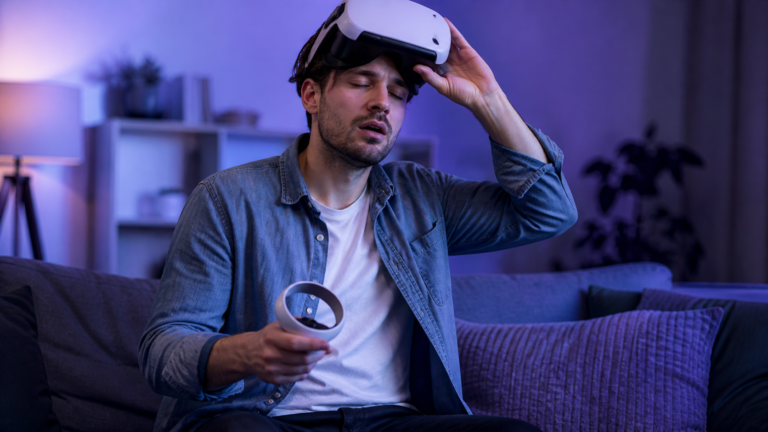
A VR headset places small screens or panels close to your eyes and uses lenses to make the image feel larger and deeper than a regular display. Each eye receives its own perspective, which helps create the stereo depth that makes the scene feel three-dimensional.
Strengths
- Creates the feeling of being surrounded by the scene
- Gives each eye a separate viewpoint for depth
- Makes digital spaces feel larger than a normal monitor
Limits
- Visual quality depends on panel resolution and optics
- Poor fit or blur can weaken the illusion quickly
How Tracking Follows Your Movement
Tracking is what makes the virtual world respond to you. Sensors and cameras measure head movement, rotation, and often hand position. When you lean, turn, or reach, the VR system updates the scene so the world stays aligned with your body.
If that response is accurate, VR feels natural. If it is slow or unstable, the illusion breaks. That is why tracking quality is one of the most important technical parts of how VR works.
2. Sensors Follow Your Head and Hand Movement
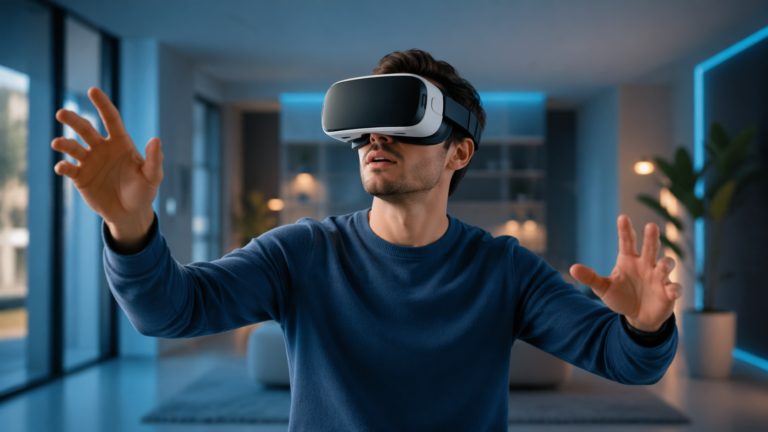
VR systems use cameras, inertial sensors, and tracking algorithms to detect how your head and hands move. When you turn, lean, or reach, the system updates your viewpoint and interaction point so the virtual world responds immediately instead of staying fixed in place.
Strengths
- Makes the environment react naturally to movement
- Supports interaction instead of passive viewing
- Improves presence and spatial awareness
Limits
- Tracking quality can drop in poor lighting or occlusion
- Lag or drift can reduce comfort and realism
How Controllers and Haptics Help You Interact
VR works best when you can do more than look around. Controllers, hand tracking, and gesture systems let you point, grab, press, swing, and manipulate virtual objects. That turns immersion into actual interaction.
Haptics add another layer by giving actions physical feedback. Even simple controller vibration helps clarify that something happened, which is why haptic feedback matters in beginner and advanced VR systems alike.
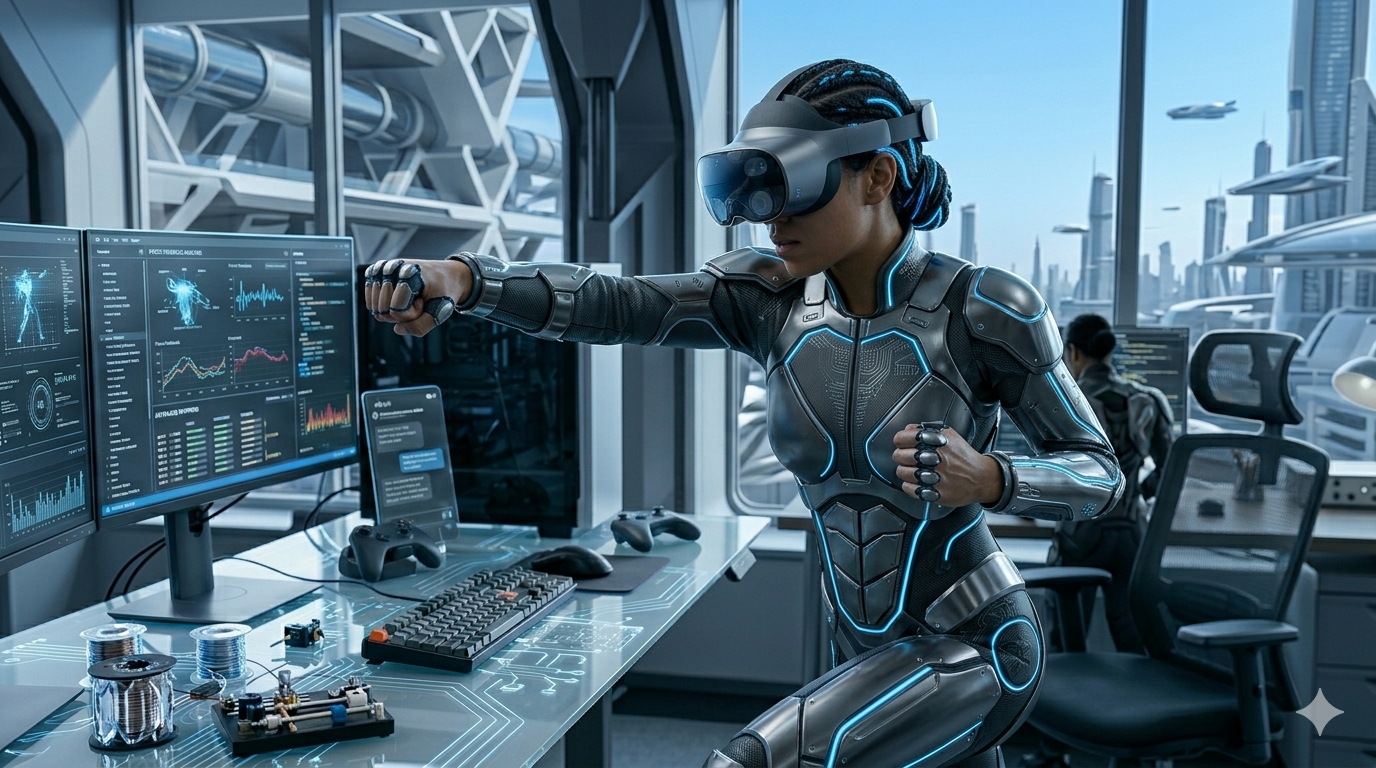
3. Controllers, Hands, and Haptics Turn Movement Into Action
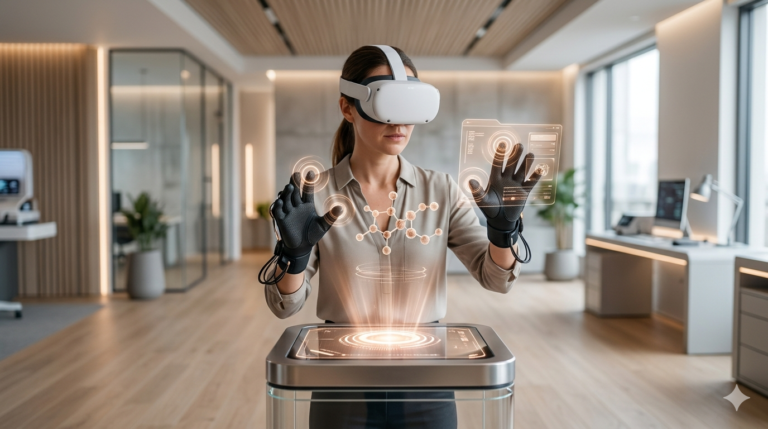
VR is not only about looking around. It also works through interaction. Controllers, hand tracking, and sometimes haptic gloves let users press, grab, point, swing, and manipulate digital objects. Haptic feedback adds touch cues so actions feel clearer and more physical.
Strengths
- Lets users interact instead of only observe
- Haptics improve timing and action feedback
- Supports training, gaming, and practical workflows
Limits
- Not all VR systems support the same interaction depth
- Basic vibration is less realistic than advanced haptics
How Software Keeps VR Responsive
All of the hardware depends on software that renders the environment and updates it in real time. Every turn of your head and every movement of your hands has to be reflected quickly enough that the world feels stable and believable.
This is why performance matters so much. When delay becomes visible, immersion drops and discomfort can rise. Good VR software keeps motion, graphics, audio, and interaction tightly synchronized.
4. Software Renders the Scene in Real Time
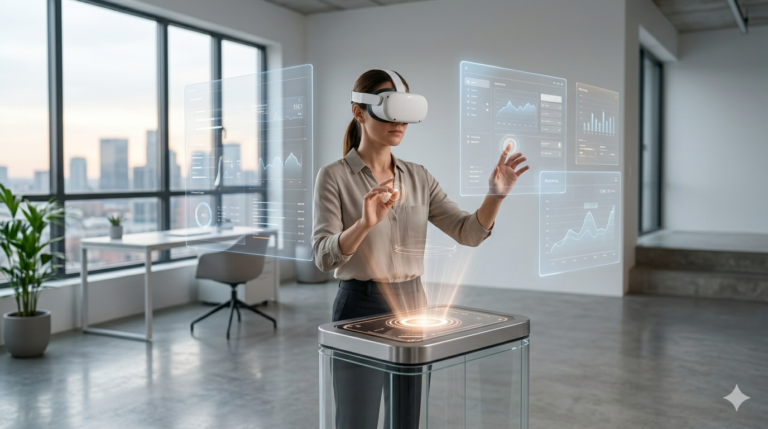
The software side of VR constantly redraws the environment based on where you look, what you touch, and how the app is designed to respond. The faster and more accurately this happens, the more convincing the experience feels. If delay becomes noticeable, immersion drops and discomfort can increase.
Strengths
- Keeps the virtual world responsive and believable
- Connects visual updates with user movement
- Controls physics, interaction, and environmental behavior
Limits
- High performance demands can stress weaker hardware
- Poor optimization can cause lag or motion discomfort
What Each Part of VR Actually Does
Each layer of VR solves a different problem. The headset creates the image, tracking keeps that image aligned with your movement, haptics make actions feel more grounded, and the software holds everything together with low delay.
| VR Part | Main Job | Why It Matters | If It Fails |
|---|---|---|---|
| Headset and lenses Core Layer | Show the digital world in stereo depth | Visual immersion | Blur or low quality weakens presence |
| Tracking sensors | Follow head and hand movement | Natural response | Lag and drift hurt comfort |
| Audio and haptics | Add direction and touch cues | Immersion and feedback | Weak feedback feels less physical |
| Rendering software | Update the world in real time | Responsive simulation | Slow performance breaks immersion |
How to Think About How VR Works
- Start with the idea that VR is a system, not just a headset screen.
- Focus on the connection between displays, tracking, and real-time rendering.
- Treat audio and haptics as support layers that make interaction feel more convincing.
- Remember that low delay matters as much as visual quality.
- Compare devices based on comfort, tracking, and feedback instead of specs alone.
Frequently Asked Questions
How VR works in simple terms?
VR works by using a headset, lenses, tracking sensors, and software to place you inside a digital environment that responds to your movement in real time.
Why does virtual reality feel immersive?
Virtual reality feels immersive because the headset fills your view, tracks your movement, and updates the scene quickly enough to create a sense of presence.
How do VR headsets track movement?
VR headsets track movement with sensors, cameras, and motion algorithms that measure head position, rotation, and often hand or controller movement.
What role do controllers play in VR?
Controllers let users interact with virtual objects, menus, tools, and environments while often adding haptic feedback that makes actions feel clearer.
Do haptics matter for how VR works?
Yes. Haptics are not the whole system, but they help VR feel more believable by adding tactile confirmation to digital actions.
Can VR work without controllers?
Some VR systems can use hand tracking instead of controllers, but many experiences still rely on controllers for more precise and reliable input.
Why does lag make VR uncomfortable?
Lag makes VR uncomfortable because the visual world no longer matches your movement quickly enough, which can break immersion and increase motion discomfort.