What Is Virtual Reality
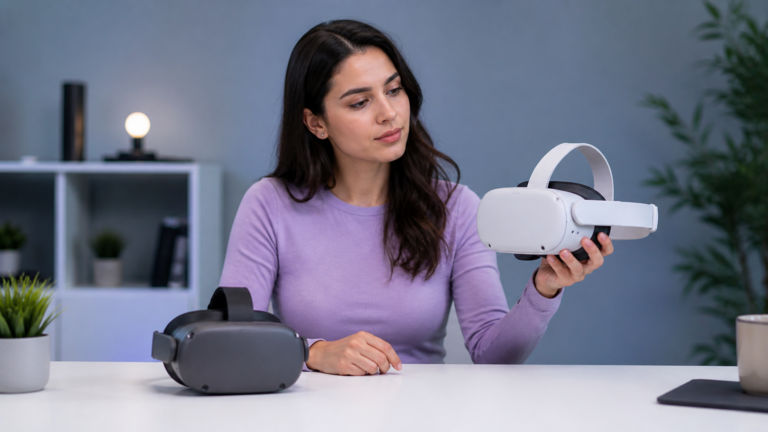
Virtual reality, often called VR, is a technology that places you inside a computer-generated environment through a headset and motion-aware software, creating the feeling that you are present inside a digital space rather than just viewing it on a flat screen.
For readers starting here, what is virtual reality is the main lens that ties this topic to the broader HapVR coverage, while how virtual reality works explains the hardware and software side in more detail.
Virtual reality is one of the clearest examples of how technology can change the way people experience digital content. Instead of looking at images from the outside, VR is built to make users feel as if they have stepped inside a digital environment that surrounds them.
That difference matters because VR is not defined only by graphics or novelty. Its core purpose is immersion. When the system works well, your view changes with your movement, the environment feels spatial, and the experience becomes more direct than watching a phone, laptop, or television screen.
If you want to go deeper after the basics, explore who made virtual reality and how haptics in VR help digital experiences feel more physical.
For foundational context, Encyclopaedia Britannica, Microsoft Learn, and Apple’s visionOS documentation all describe how immersive systems use displays, software, and spatial input to create presence.
What Is Virtual Reality, Really?
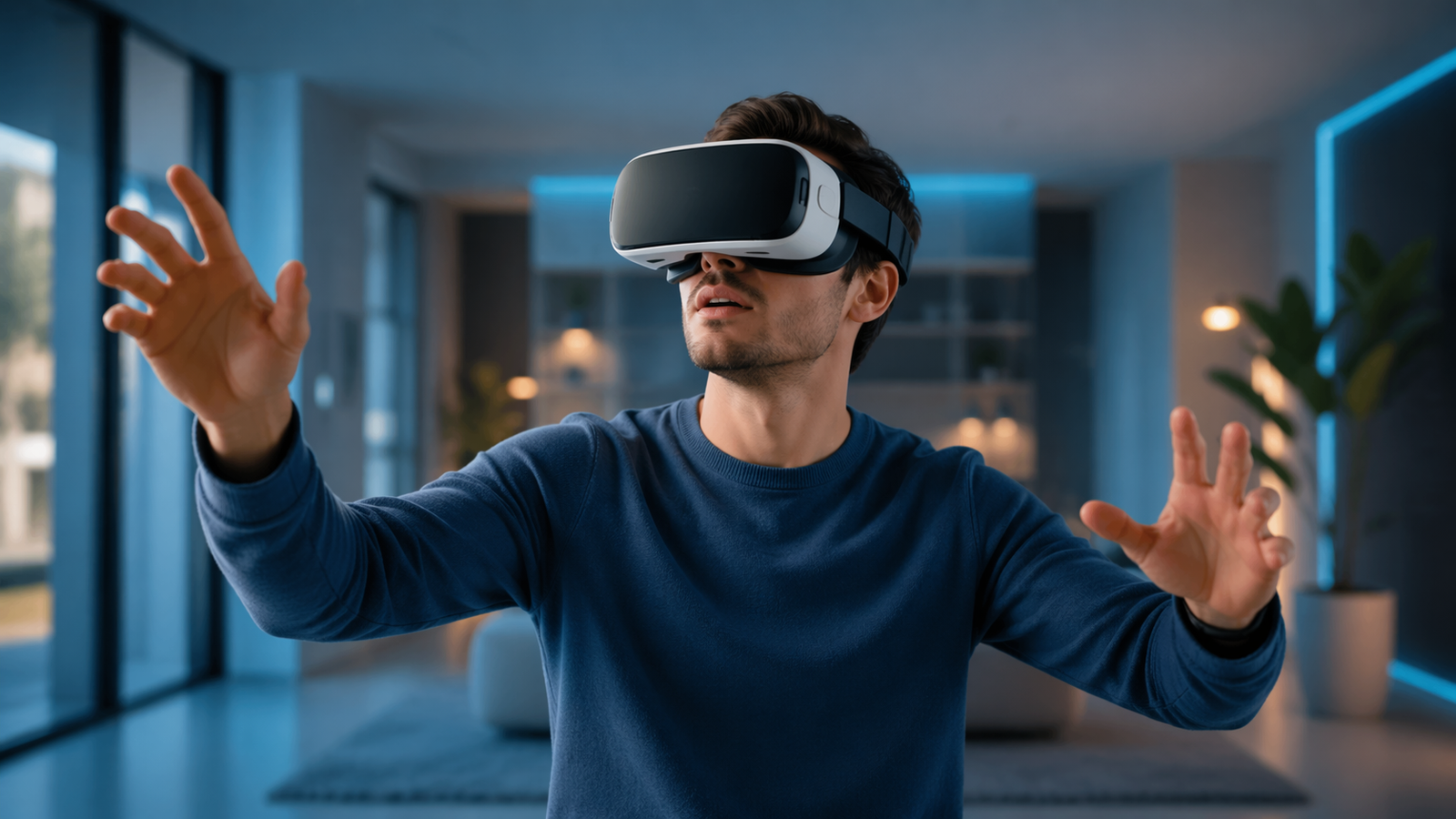
Virtual reality is a simulated environment created by software and delivered through specialized hardware, usually a headset. The goal is to replace most of your visual field with a digital world that reacts naturally to your head movement and, in many cases, your hand movement as well.
That response creates a sense of presence. Presence is the feeling that you are inside the experience instead of simply observing it. This is what makes VR different from ordinary video, even when both show three-dimensional scenes.
How Does Virtual Reality Work?
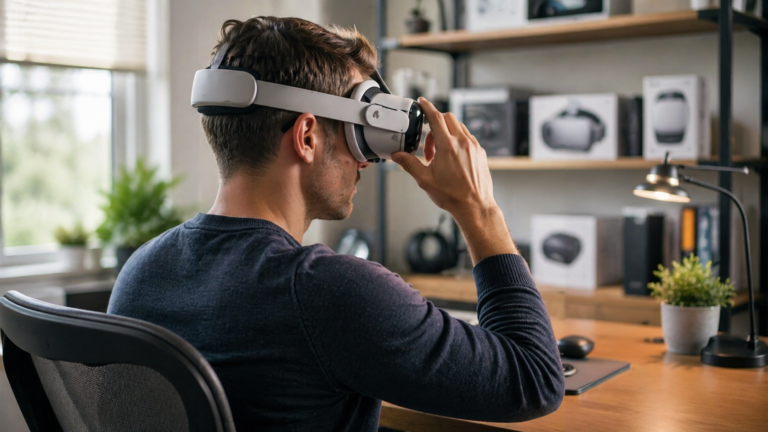
A VR system combines displays, sensors, processing power, and software. The headset presents separate images to each eye, which helps create depth. Tracking sensors detect how your head moves, and the software updates the scene in real time so the world appears stable as you look around.
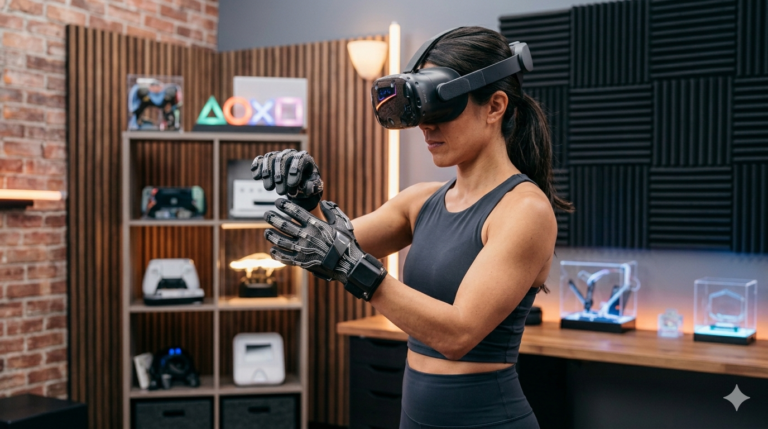
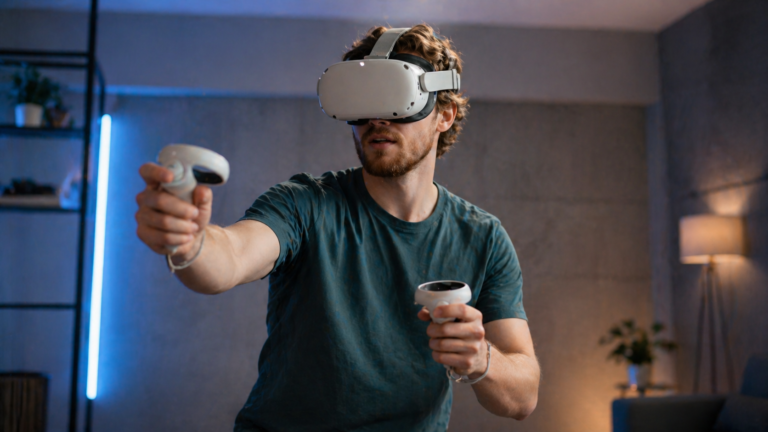
Many systems also include handheld controllers or hand tracking. These tools let users point, select, grab, press, and move inside the virtual environment. Better systems reduce lag and improve motion accuracy, which makes the experience more comfortable and more convincing.
Different kinds of VR hardware serve different purposes. Some devices focus on games and entertainment, while others are designed for education, training, design review, remote collaboration, fitness, or simulation. The hardware can vary, but the principle stays the same: VR turns digital content into a space you can experience from the inside.
Common Uses of Virtual Reality
1. Gaming and Interactive Experiences
Gaming is the use case most people recognize first. VR games make movement, scale, and interaction feel more immediate because players are not just controlling a character from a distance. They are looking around, reacting physically, and interacting with the environment from a first-person point of view.
Why It Works
- Creates stronger immersion than standard screen-based play
- Makes action and exploration feel more physical
- Encourages memorable first-person experiences
Limits
- Some users need time to adjust to motion and comfort
- Session length can depend on headset comfort and space
2. Training, Education, and Simulation
Virtual reality is useful when people need to practice tasks, learn procedures, or understand spaces before working in real conditions. Medical training, aviation, industrial safety, and classroom experiences can all benefit from immersive rehearsal and visual understanding.
Why It Works
- Lets users repeat scenarios without real-world risk
- Improves spatial understanding and procedural learning
- Makes abstract information easier to experience directly
Limits
- Quality depends on accurate design and realistic interaction
- Not every learning task requires full immersion
3. Fitness, Therapy, Design, and Collaboration
VR also supports exercise, guided therapy scenarios, building walkthroughs, tourism previews, and remote collaboration. In these settings, immersion can improve focus, increase engagement, or help people understand scale and context more naturally than a flat display allows.
Why It Works
- Can make repetitive tasks more engaging
- Helps users understand space, layout, and movement
- Creates a stronger feeling of participation in shared environments
Limits
- Usefulness depends on the design of the software
- VR is powerful, but not automatically the best tool for every task
Benefits of Virtual Reality
One of the biggest benefits of VR is attention. Because the headset blocks out much of the outside world, it can hold focus more effectively than many traditional displays. That can make learning feel more active, demonstrations feel more persuasive, and games feel more absorbing.
Another major benefit is experiential understanding. Users can grasp scale, distance, sequence, and interaction more naturally when they can look around and move within a digital environment. This makes VR useful for training, design review, education, and interactive storytelling.
VR can also increase motivation and engagement. People are often more willing to practice, explore, or exercise when the experience feels active rather than passive. That does not mean VR replaces every other medium, but it can be especially effective when presence and participation matter.
How VR Compares With Traditional Screens
Traditional screens are excellent for many tasks, but they usually keep the user outside the content. VR changes that relationship by shifting from viewing to inhabiting. That makes it more immersive, but also more specialized.
The best way to think about VR is not as a replacement for every screen. It is a different format that becomes especially useful when presence, scale, movement, and interaction are central to the experience.
| Format | Main Experience | Best Use | Tradeoff |
|---|---|---|---|
| Virtual Reality Immersive | Inside a responsive digital environment | Simulation, training, immersive gaming, spatial experiences | Requires headset hardware and comfort adjustment |
| Phone or Tablet | Portable flat-screen viewing | Quick browsing, casual media, communication | Limited immersion |
| Laptop or Monitor | Traditional interactive screen experience | Productivity, browsing, conventional games, media | Keeps the user outside the scene |
| Television | Shared passive viewing | Movies, sports, and living room entertainment | Minimal direct interaction |
The Best Way to Understand Virtual Reality
- Think of VR as an immersive format, not just another screen.
- Focus on presence, tracking, and interaction as the features that define the category.
- See gaming as only one part of the VR ecosystem, not the whole story.
- Use VR where spatial understanding, realism, or engagement matter most.
- Judge VR by the quality of the experience, not only by the novelty of the hardware.
Frequently Asked Questions
What is virtual reality in simple words?
Virtual reality is technology that uses a headset to place you inside a digital environment that responds to your movement.
Do you need a headset for virtual reality?
In most cases, yes. A headset is the main device that creates the immersive visual experience associated with VR.
Is virtual reality only used for gaming?
No. VR is also used in education, training, design, therapy, fitness, collaboration, and simulation.
What makes VR different from watching a video?
VR responds to your movement and surrounds your field of view, which creates a stronger sense of presence than passive video.
Why do people use virtual reality?
People use VR for immersion, learning, training, gaming, exercise, design review, and other experiences where being inside the content adds value.
Why do haptics matter in virtual reality?
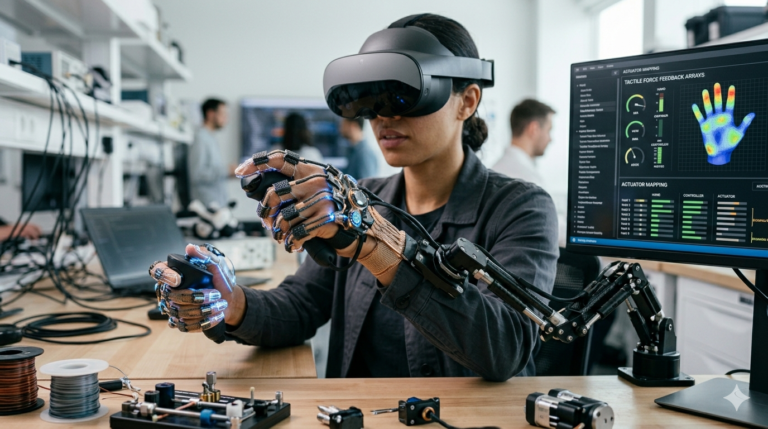
Haptics matter because tactile feedback can make virtual interactions feel more realistic, which strengthens immersion beyond visuals and audio alone.
Is virtual reality only about gaming?
No. Virtual reality is also used in education, training, simulation, design, therapy, collaboration, and other immersive experiences.